2.1 KiB
2.1 KiB
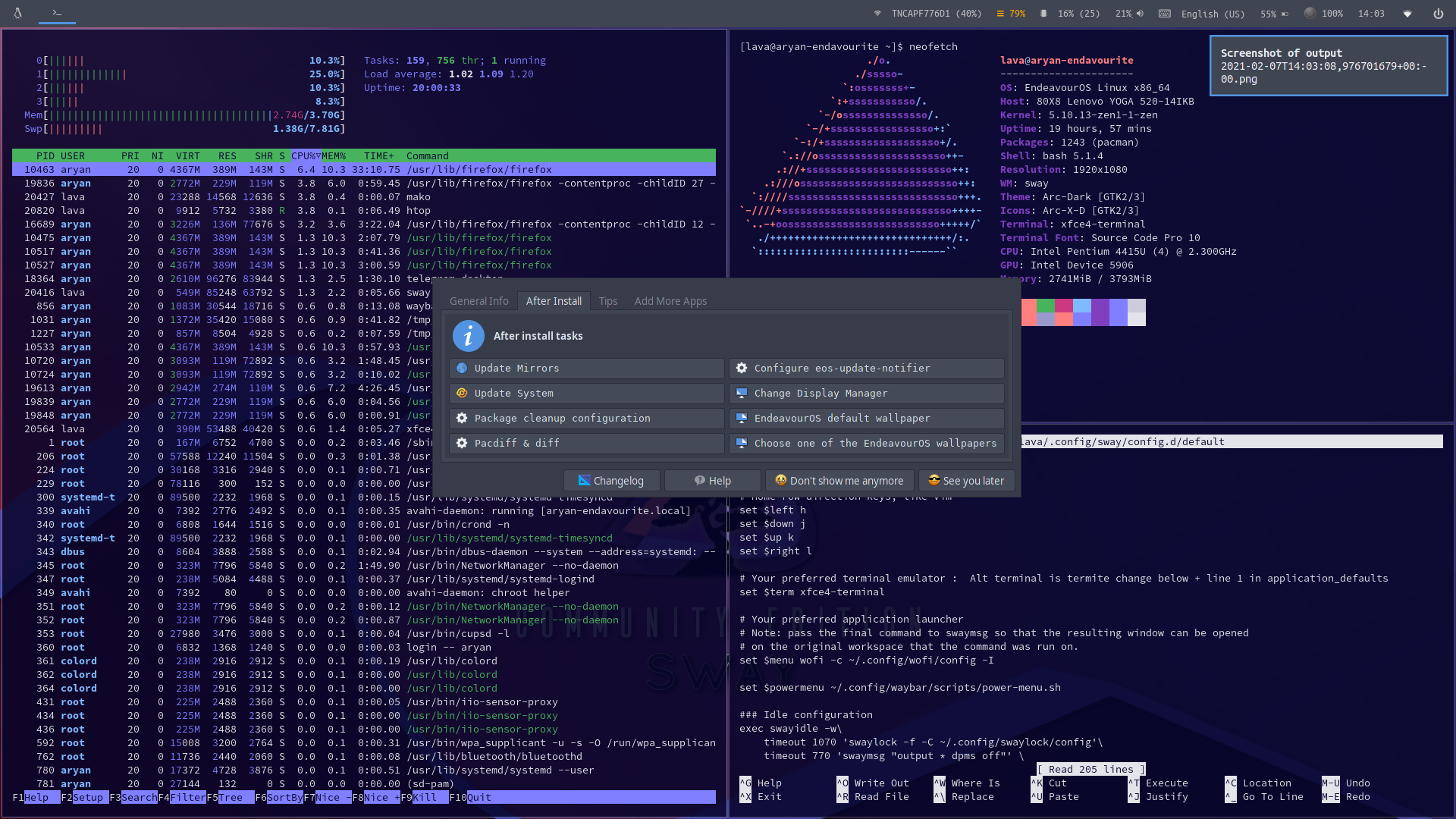
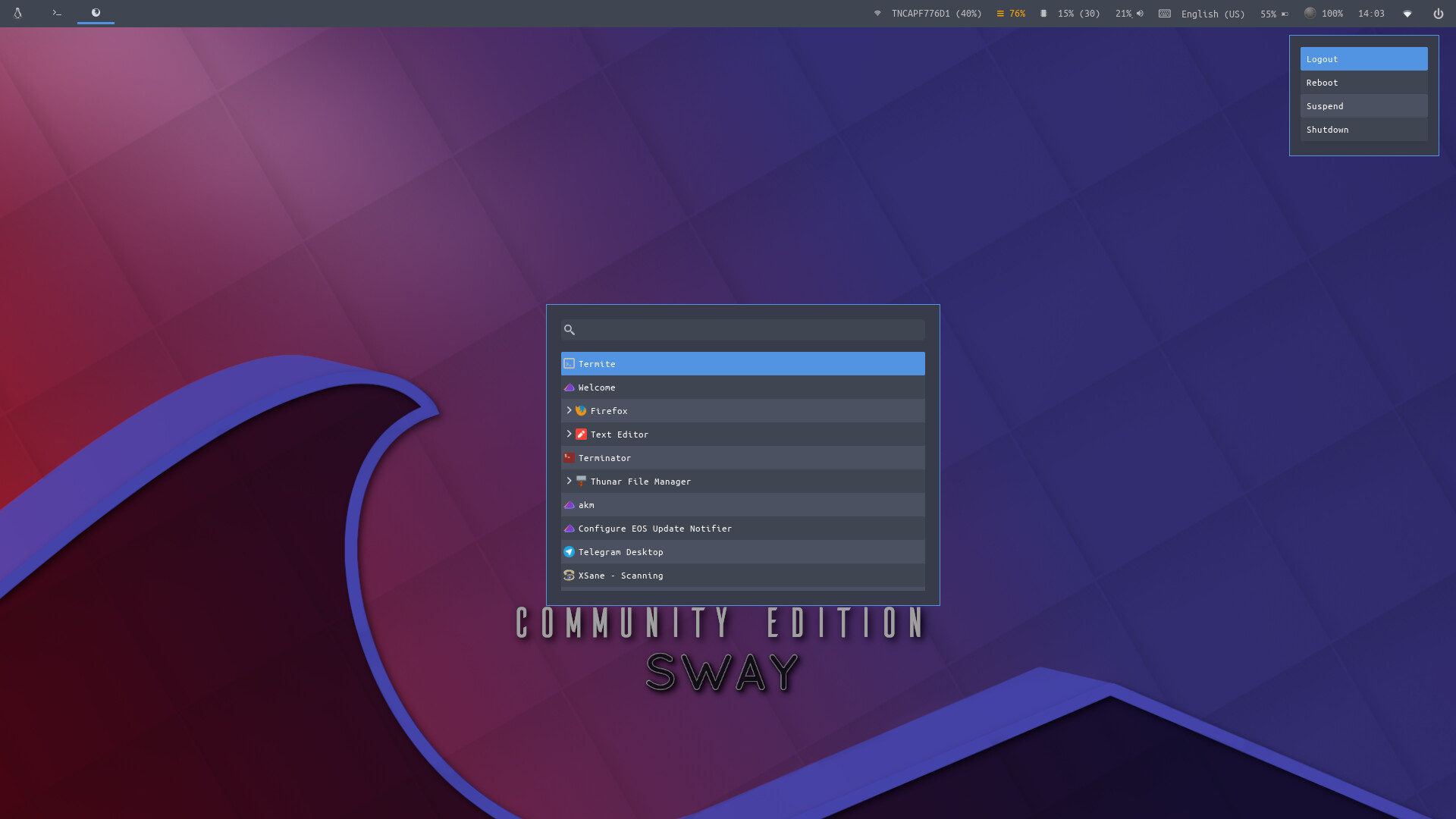
Sway-WM Setup and Theme for EndeavourOS
Community Edition
To Install
git clone https://github.com/OdiousImp2604/SwayEOS.git

cd SwayEOS

bash sway-install.sh
Contained In The Script
cp -R .config/* ~/.config/

cp .profile ~/.profile

cp .gtkrc-2.0 ~/.gtkrc-2.0

chmod -R +x ~/.config/sway/scripts

chmod -R +x ~/.config/waybar/scripts

sudo pacman -Syu --needed --noconfirm - < packages-repository.txt

dbus-launch dconf load / < xed.dconf
Lightdm Setup is Commented by Default
sudo cp lightdm-gtk-greeter.conf /etc/lightdm/

systemctl enable lightdm

systemctl start lightdm
Post install
- Keyboard layout in:
~/.config/sway/config.d/input - Screen settings in:
~/.config/sway/config.d/output
To-Do
- Find bugs and fix
- Screenshot menu, does not center well, with with width 100 - might just move it to the right
- Make qt themeing guide
- Write WIKI
Tutorial for sway-wm settings:
- Background handled by swaybg
- Gtk3 theme handled by lxappearance
- Filebrowser = Thunar
- Default Terminal-Emulator = XFCE4-Terminal and/or Termite
- Text-Editor = xed
Main shortcuts:
[mod] key is set to the winkey (or should i call it linkey?)
- [mod]+enter = open terminal (XFCE4-Terminal and/or Termite)
- [mod]+o = open Browser (firefox)
- [mod]+n = open File Manager (thunar)
- [mod]+d = app menu (wofi)
- [mod]+q = close focused app [kill]
- (Shift) Print-key = screenshot/bring up screenshot menu
Tiling:
Is set to default for swaywm and can be changed to:
-
stacking: Only the focused window in the container is displayed. You get a list of windows at the top of the container.
-
tabbed: so each new window will open fullscreen as a tab, you can change between window-tabs with mouse or shortcut: [mod]+Left focus left (left arrow key) [mod]+Right focus right (right arrow key)