
Sway-WM Setup and Theme for EndeavourOS
Community Edition
The place where we test and add any new features before pushing to the main repository! Naturally it will mean things will be buggy so use at risk!
What is different or to be different?
- Switch completely to Font Awesome 5 Free to solve the icon sizing problem you face with Nerd
- Find a way to make the tray not look weird when it's empty
- Anything else anyone would like and makes sense!
To Install manually
git clone https://github.com/EndeavourOS-Community-Editions/sway.git

cd sway

bash sway-install.sh
Contained In The Script
cp -R .config/* ~/.config/

cp .profile ~/.profile

cp .gtkrc-2.0 ~/.gtkrc-2.0

chmod -R +x ~/.config/sway/scripts

chmod -R +x ~/.config/waybar/scripts

sudo pacman -Syu --needed --noconfirm - < packages-repository.txt

dbus-launch dconf load / < xed.dconf
Lightdm Setup is Commented by Default
sudo cp lightdm-gtk-greeter.conf /etc/lightdm/

systemctl enable lightdm

systemctl start lightdm
Post install
-
Keyboard layout in:
~/.config/sway/config.d/input -
Screen settings in:
~/.config/sway/config.d/output -
Keybings Cheatsheet: press keyboard icon in waybar
-
If your experiencing issus with your cursor - edit file
~/.profileand comment outexport WLR_NO_HARDWARE_CURSORS=1
To-Do
- Find bugs and fix
- Write WIKI
Tutorial for sway-wm settings:
- Background handled by swaybg
- Gtk3 theme handled by lxappearance
- Filebrowser = Thunar
- Default Terminal-Emulator = XFCE4-Terminal and/or Termite
- Text-Editor = xed/nano
- Bar = Waybar
- Sound = Pulseaudio
Main shortcuts: ~/.config/sway/cheatsheet
[mod] key is set to the winkey (or should i call it linkey?)
- [mod]+Return = open floating terminal (XFCE4-Terminal)
- [mod]+(Shift)+Return = open fixed terminal (Termite)
- [mod]+o = open Browser (firefox)
- [mod]+n = open File Manager (thunar)
- [mod]+d = app menu (wofi)
- [mod]+q = close focused app [kill]
- (Shift)+(Print-Key) = screenshot/bring up screenshot menu
- [mod]+(Shift)+e = power-menu
- [mod]+r = resize mode
- [mod]+(Shift)+(Space) = float window
- {HOLD DOWN} [mod] = drag floating window
- [mod]+(Arrow Keys) = switch focus respectively
- [mod]+(Shift)+(Minus) = send to scratchpad
- [mod]+(Minus) = cycle through scratchpad
Tiling:
Is set to default for swaywm and can be changed to:
- stacking: Only the focused window in the container is displayed. You get a list of windows at the top of the container.
- [mod]+s (Vertical List)
- [mod]+w (Horizontal List)
- navigate lists with [mod]+(Arrow Keys)
- [mod]+e = to go back to tiling
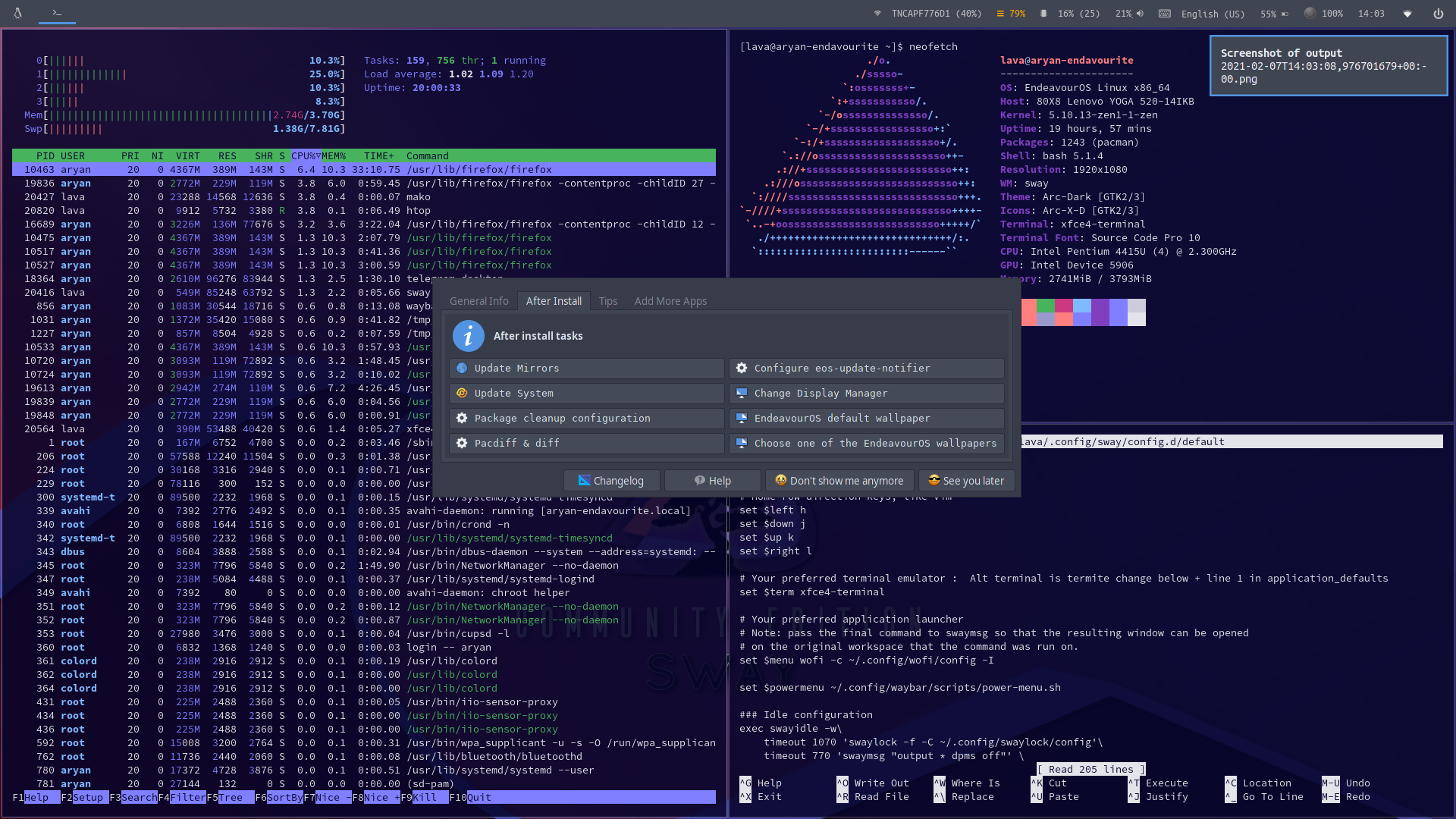
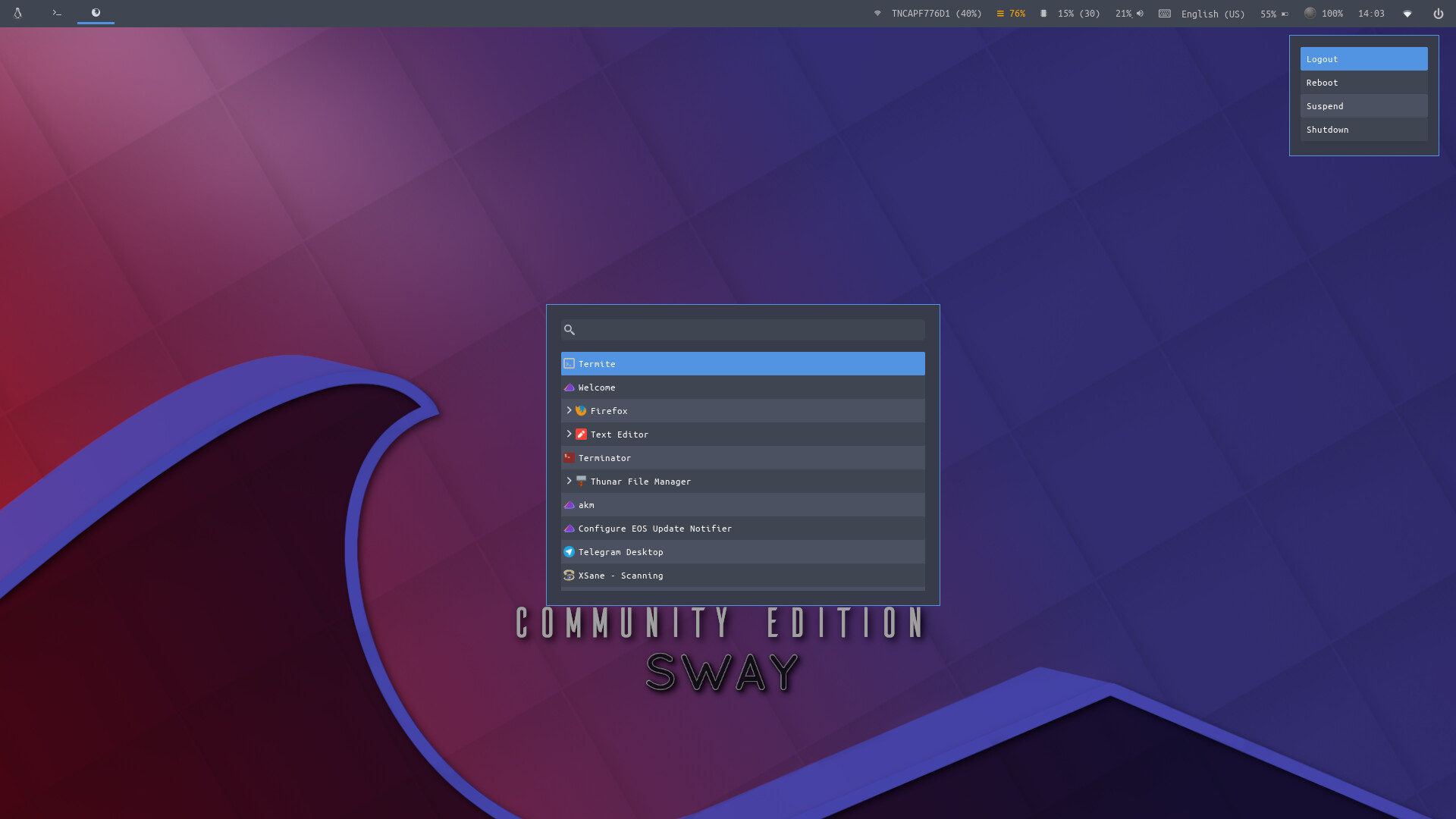
Waybar :
