 24888b484b
I have added a foot.ini which preserves the color scheme that had been set up on xfce4-terminal (with the purple background and transparency), except using the Material color scheme for terminal fonts. The bright colors of the fonts look good on the purple, and are easier to read than the old font colors.

Other changes in this PR:
* Add foot to package lists; remove xfce4-terminal
* Autostart foot-server in Sway config
* Change default terminal in Sway config
* Change Waybar on-click actions to use footclient instead of xfce4-terminal
* Update cheatsheet, keyhint files
* Update Wofi, Thunar configs to use footclient instead of xfce4-terminal
unmaintained needs contributors or maintainer
but still working.. as it is fixed for the moment. joekamprad tested by installing it over the ISO script (June 2024)
Sway-WM Setup and Theme for EndeavourOS
Sway EndeavourOS Community Edition

To Install Manually
git clone https://github.com/EndeavourOS-Community-Editions/sway.git

cd sway

bash sway-install.sh
Contained In The Script
cp -R .config/* ~/.config/

cp .profile ~/.profile

cp .gtkrc-2.0 ~/.gtkrc-2.0

chmod -R +x ~/.config/sway/scripts

chmod -R +x ~/.config/waybar/scripts

sudo pacman -Syu --needed --noconfirm - < packages-repository.txt

dbus-launch dconf load / < xed.dconf
SDDM is the default display manager
systemctl enable sddm.service

systemctl start sddm.service
Post install
-
Keyboard layout in:
~/.config/sway/config.d/input -
Screen settings in:
~/.config/sway/config.d/output -
Keybindings Cheatsheet: press keyboard icon in waybar
-
If your experiencing issues with your cursor - edit file
~/.profileand comment outexport WLR_NO_HARDWARE_CURSORS=1
Get involved at our forum:
https://forum.endeavouros.com/t/sway-edition-general-conversation
Tutorial for sway-wm settings:
- Background handled by swaybg
- Gtk3 theme handled by lxappearance
- Filebrowser = Thunar
- Default Terminal-Emulator = XFCE4-Terminal and/or Termite
- Text-Editor = xed/nano
- Bar = Waybar
- Sound = Pulseaudio
Main shortcuts: ~/.config/sway/cheatsheet
MOD key is set to the WINKEY/LINKEY
- MOD+Return = open floating terminal (XFCE4-Terminal)
- MOD+O = open Browser (firefox)
- MOD+N = open File Manager (thunar)
- MOD+D= app menu (wofi)
- MOD+Q = close focused app [kill]
- Shift+PrtSc = screenshot/bring up screenshot menu
- MOD+SHIFT+E = power-menu
- MOD+R = resize mode
- MOD+SHIFT+SPACE = float window
- MOD+HOLD DOWN = drag floating window
- MOD+↑ ↓ → ← = switch focus respectively
- MOD+SHIFT+MINUS = send to scratchpad
- MOD+MINUS = cycle through scratchpad
Tiling:
Is set to default for swaywm and can be changed to:
- stacking: Only the focused window in the container is displayed. You get a list of windows at the top of the container.
- MOD+S = Vertical List
- MOD+W = Horizontal List
- navigate lists with MOD+↑ ↓ → ←
- MOD+E = Back to tiling
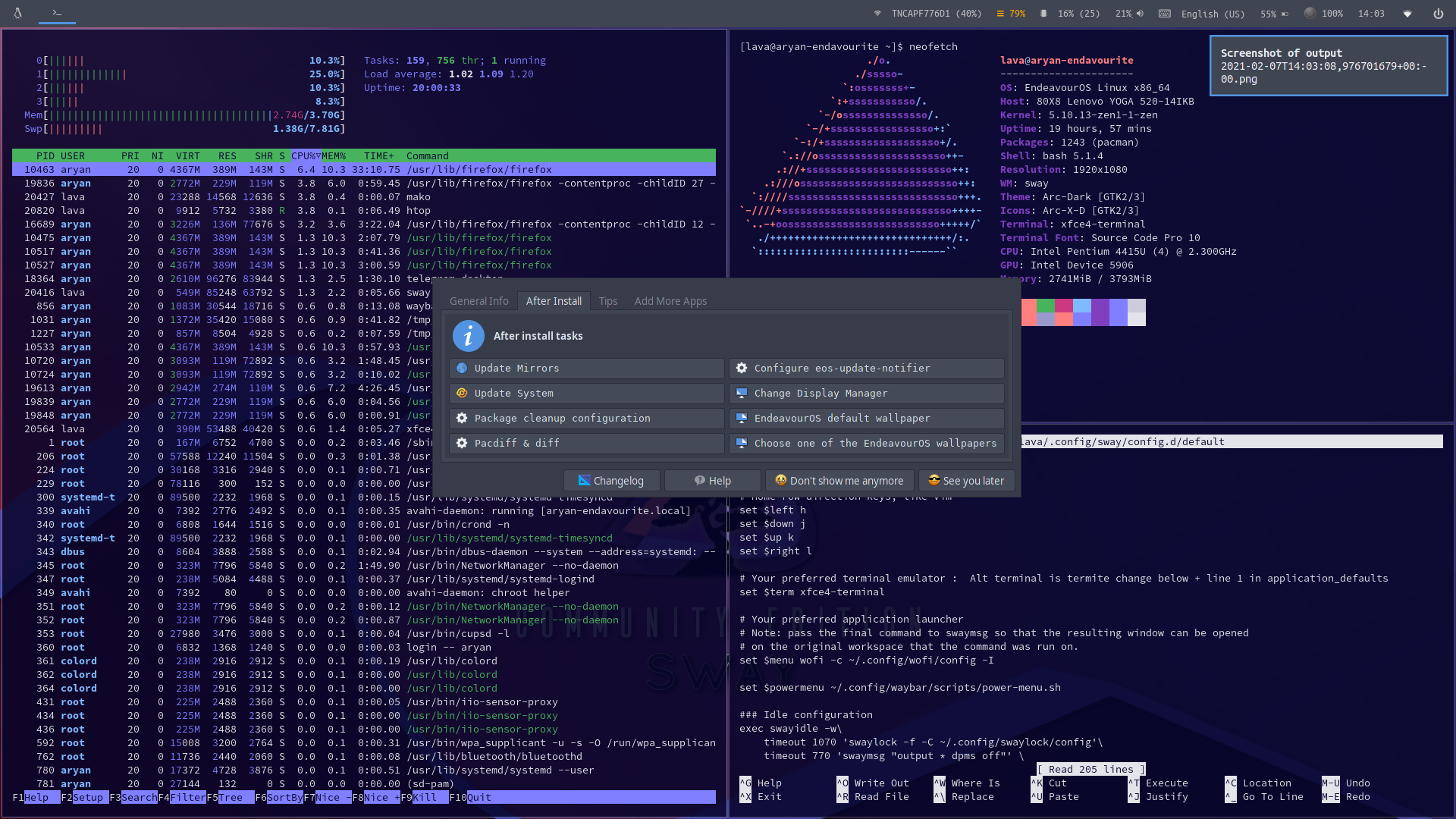
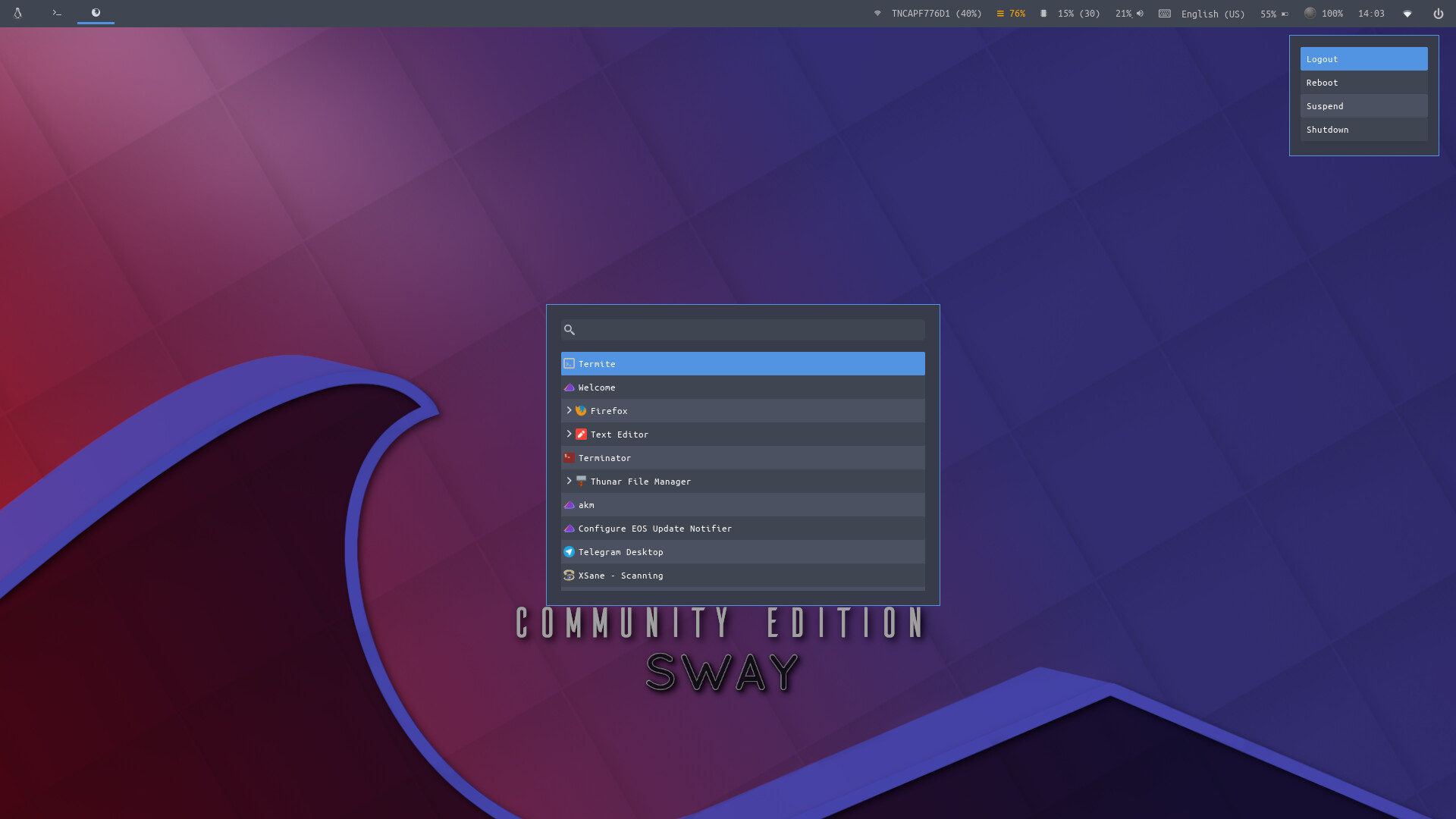
Waybar :
